
Increase Image Size in Bulk
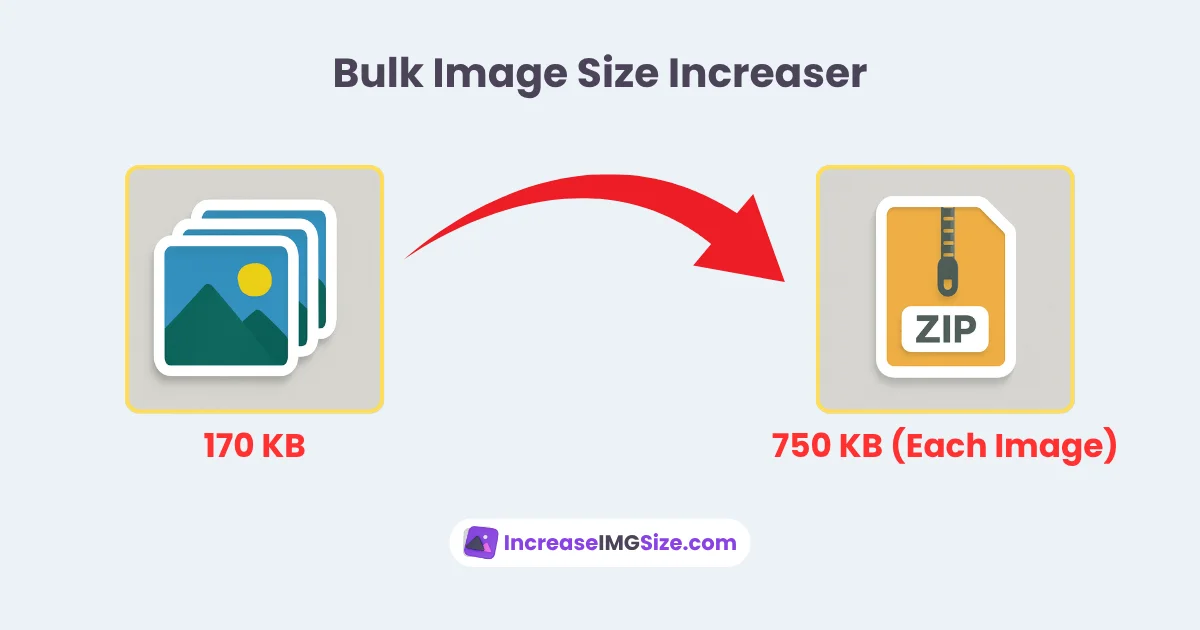
Welcome to IncreaseImgSize.com’s Bulk Image Increaser. This free tool allows you to increase the file size of multiple images at once, supporting JPG, PNG, WebP, and other formats. Select your desired size in KB or MB for all images in one go. It’s ideal for website uploads, social media campaigns, professional projects, or academic submissions.
Drag & Drop or Click to Upload Images
Please upload valid image files!
Benefits of Our Bulk Image Increaser
Our tool is designed for efficiency and ease of use. Key features include:
- Support for multiple formats: JPG, PNG, WebP, and more.
- Uniform sizing: Set one size (e.g., 100KB, 1MB) for all images.
- Rapid processing for large batches.
- No cost or registration required.
- Maintains image clarity and quality.
- Accessible on any device, including phones and tablets.
How to Use the Bulk Image Increaser
Resizing multiple images is straightforward:
- Upload your images by dragging or selecting files.
- Choose a target file size (e.g., 200KB, 300KB, 2MB).
- Click “Increase Size” to process and download a zip file with your images.
Ideal Users for This Tool
This tool is perfect for:
- Web Developers: Prepare multiple images for website requirements.
- Social Media Managers: Resize batches for platforms like Instagram or LinkedIn.
- Graphic Designers: Adjust image sizes for client projects or print media.
- Professionals and Students: Meet file size needs for applications or reports.
When to Use Bulk Image Resizing
Use this tool to:
- Comply with website or platform size requirements.
- Streamline resizing for social media or marketing campaigns.
- Process large image sets for professional or academic projects.
- Ensure consistent file sizes across multiple images.
More Tools
- Increase Image Size: Resize a single image with flexible options.
- Increase JPG Size: Dedicated tool for JPG images.
- Increase PNG Size: Optimized for PNG images.
- Increase WebP Size: Designed for WebP images.